How it works

One profile. Employers come to you.

Instead of applying for job after job, you build one profile. Care employers near you search for people like you and ask to talk. Nothing is shared until you say yes.

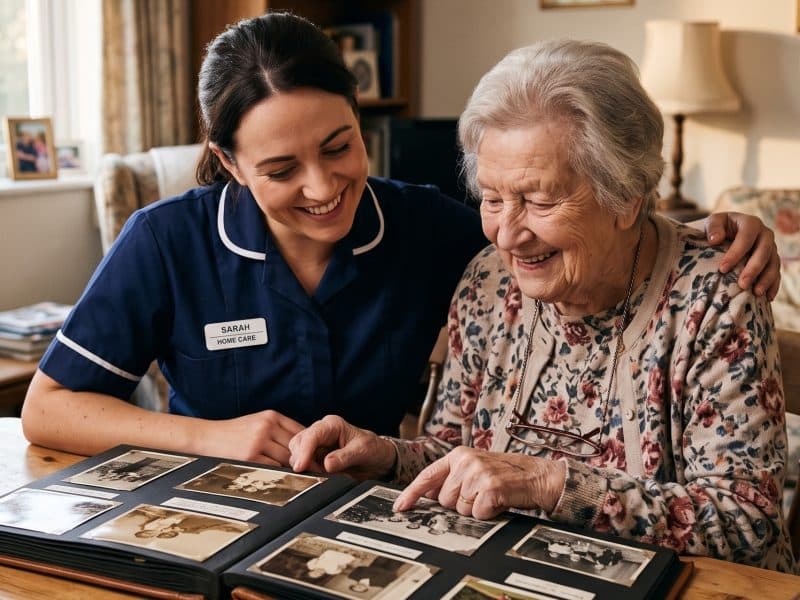
A carer looking through a photo album with an older woman
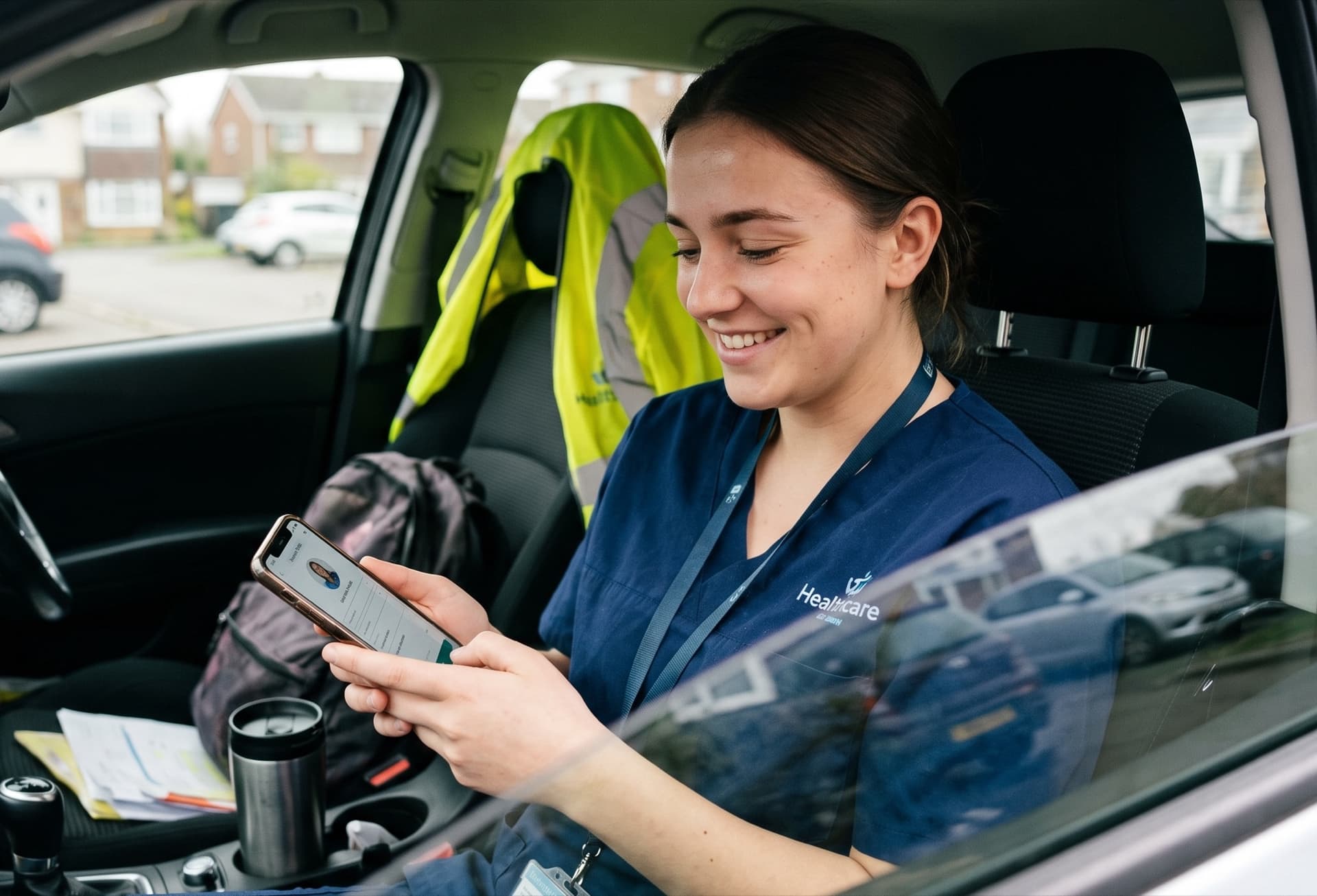
A young carer on a break in her car, smiling as she fills in her profile on her phone

Step 1

Build your profile

Tell us your role, where you live and how far you’ll travel, the care you’re experienced in, the settings you want to work in, when you can work and whether you drive. Add a line about yourself if you like.

  • Care workers, senior carers, team leaders, nursing assistants and registered nurses
  • Home care, care homes, nursing homes, or all three
  • Days, nights, weekends, full or part time
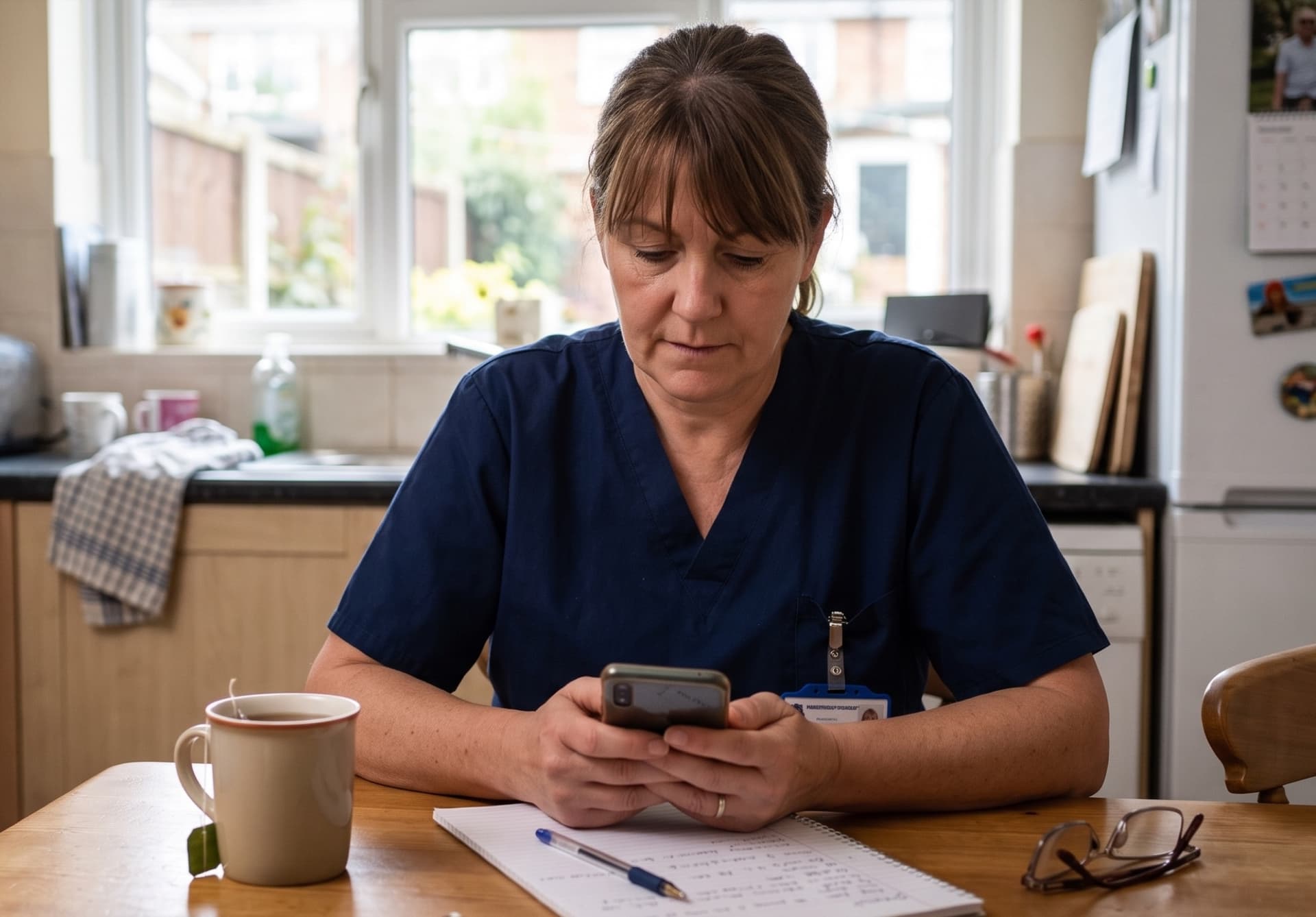
A carer in uniform at her kitchen table with a cup of tea, studying a course on her phone

Step 2

Get verified

Verified profiles are the ones employers trust. We check your mobile by text code, and check your email. For registered nurses we check your PIN against the NMC register.

Then take your free Care Certificate course with CareStream. When you complete it, it shows on your profile as verified. Your employer still signs off the observed parts of the Care Certificate when you start with them.

Priya S.

Senior carer · Coventry · travels 6 miles

Open to work

Care I can give

  • Care homes
  • Dementia
  • End of life care
CCCare Certificate course completed
CareStream · CPD certified · verified

When I can work

MTWTFSS
Right to work✓ Checked
Mobile and email✓ Verified
DrivingLicence and car
Experience6 years

Step 3

Employers find you, you decide

Agencies, care homes and nursing homes near you search for the role, skills and hours they need. They see your profile without your name or contact details.

When one wants to talk, you get a text and an email. Say yes and they get your details and contact you. Say no and nothing is shared.

See a full example profile or see how many employers are near you.

Questions

Common questions

How long does a profile take?

Most of it is tapping options: your role, the care you give, the days you can work. Typing is limited to a short line about you and your contact details.

Do I need a CV?

No. Your profile does the job of a CV, so you don’t need one to get started.

What do you check?

Your mobile number by text code, and that your email address can receive email. For nurses we check the NMC register. Your Care Certificate course shows as verified when you complete it with CareStream.

What happens when an employer wants to talk?

You get a text and an email saying which employer it is and what kind of role they have. You say yes or no. If you say yes, they get your name and contact details and contact you directly.

Can I stop it?

Yes. Pause your profile whenever you like, hide it from particular employers, or ask us to delete it completely.

Build my profile